
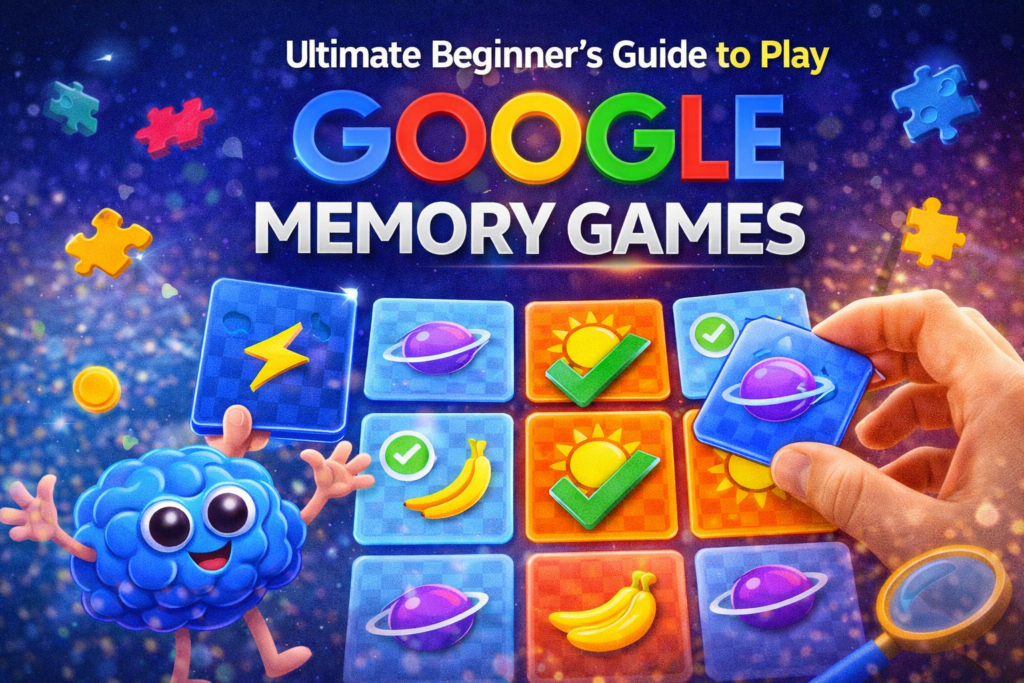
Memory games have always been a fun way to challenge the brain, improve concentration, and pass the time productively. One of the simplest and most accessible ways to enjoy these puzzles online is through Google Memory Games. These browser-based games are designed to test your memory skills by asking you to remember patterns, images, sounds, or card positions.
For beginners, these games are a great way to sharpen cognitive skills while enjoying a quick and entertaining challenge. In this ultimate beginner’s guide, you’ll learn what Google Memory Games are, how to play them, strategies to improve your performance, and why they are beneficial for brain training.
What Are Google Memory Games?
Google Memory Games are simple online puzzle games that challenge players to remember patterns, positions, or sequences. They are usually available through Google search results, interactive doodles, or small web-based puzzles.
The core concept is very straightforward:
- You see a set of cards, icons, or sounds.
- They are briefly shown or flipped face-up.
- You must remember their positions or sequences.
- Your goal is to match or repeat them correctly.
These games are often used for brain training, improving short-term memory, and enhancing focus.
Why Memory Games Are Good for Your Brain
Memory games are not just entertainment—they also provide several cognitive benefits.
1. Improves Short-Term Memory
Memory puzzles train the brain to remember small details such as patterns, positions, or sequences.
2. Enhances Focus and Concentration
Players must pay close attention to each card or symbol. Over time, this improves concentration levels.
3. Encourages Pattern Recognition
Recognizing repeating shapes or positions helps the brain develop stronger problem-solving skills.
4. Reduces Stress
Simple puzzle games can act as relaxing activities that give your mind a break from daily stress.
5. Suitable for All Ages
Children, students, and adults can all benefit from playing memory games regularly.
Types of Google Memory Games
There are several types of memory-based puzzles you might find when searching for them online.
1. Card Matching Games
This is the most popular format.
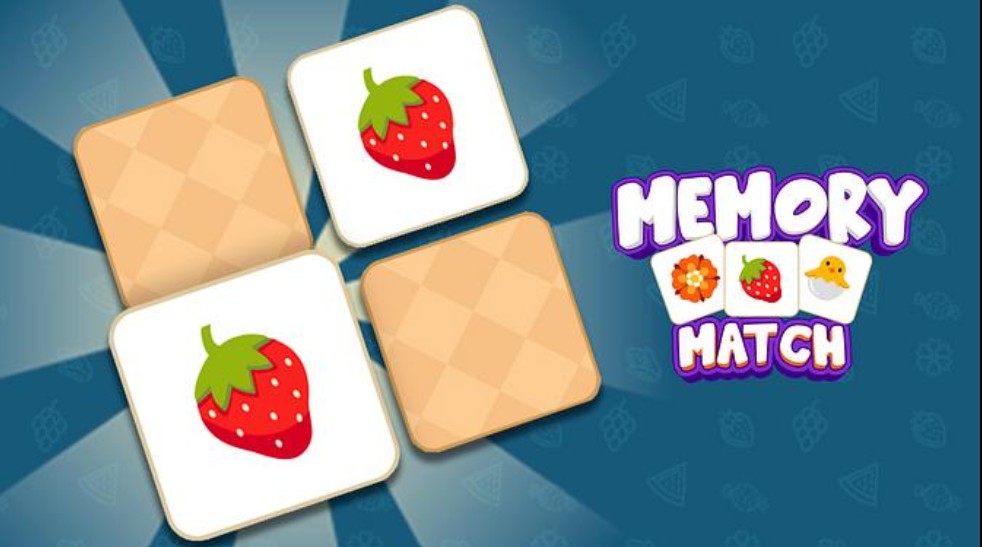
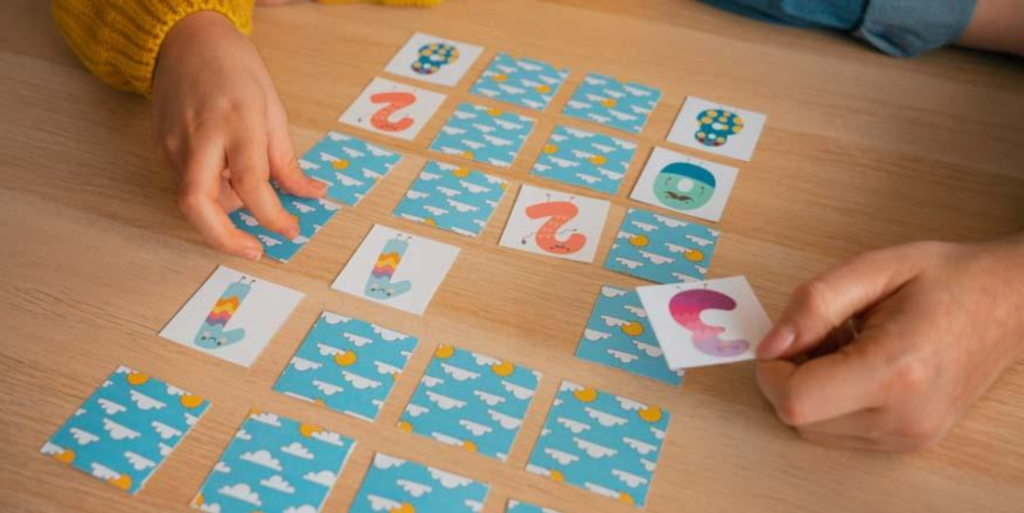
Players see a grid of face-down cards. Each card has a matching pair somewhere on the board.
How It Works
- Click on two cards to flip them.
- If they match, they remain open.
- If they don’t match, they flip back over.
- The goal is to find all matching pairs.
The fewer moves you use, the better your score.
2. Sound Memory Games
Some memory games focus on remembering audio patterns instead of images.
How It Works
- The game plays a sequence of sounds.
- You must repeat the sequence correctly.
- Each round adds a new sound to the pattern.
This type of game trains auditory memory and attention.
3. Pattern Recall Games
In this type of game, players must remember visual patterns or sequences of lights.
Gameplay Example
- A sequence of tiles lights up.
- You must repeat the pattern in the correct order.
- Each round becomes progressively harder.
These games test both memory and reaction speed.
How to Play Google Memory Games (Step-by-Step)
If you are new to memory games, follow these simple steps.
Step 1: Search for the Game
Open Google and search for:
- “Google Memory Game”
- “Online memory matching game”
- “Memory puzzle game”
You will find several playable options.
Step 2: Start with an Easy Level
Most memory games allow players to select difficulty levels.
Beginners should start with:
- Small grids (4×4 cards)
- Short sound sequences
- Simple patterns
Step 3: Observe Carefully
Before clicking anything, take a few seconds to look at the layout carefully.
Notice:
- Colors
- Shapes
- Positions
Step 4: Make Strategic Moves
Avoid randomly clicking cards. Instead, try to remember the location of each card as you flip it.
Step 5: Complete the Board
Continue matching pairs until all cards are revealed.
Your performance is usually measured by:
- Number of moves
- Time taken
- Accuracy
Beginner Tips to Win Memory Games
Many beginners struggle with memory puzzles at first. These tips can help improve your performance.
1. Focus on Small Sections
Instead of remembering the whole board, divide it into sections and focus on one area at a time.
2. Create Mental Associations
Link images with something memorable.
For example:
- Apple icon → kitchen
- Star icon → night sky
Associations help recall positions faster.
3. Repeat Patterns in Your Mind
If the game involves sequences, repeat them silently in your head.
Example:
Red → Blue → Green → Yellow
Repeating the sequence helps retain it longer.
4. Stay Calm and Patient
Rushing leads to mistakes. Take a few seconds before making each move.
5. Practice Regularly
Like any skill, memory improves with practice. Even 5–10 minutes daily can make a big difference.
Common Mistakes Beginners Make
Understanding common mistakes can help you avoid them.
Random Clicking
Many players click cards randomly, hoping to get lucky. This strategy rarely works.
Ignoring Previously Seen Cards
Always remember where each card appeared earlier.
Playing Too Fast
Speed matters, but accuracy is more important.
Choosing Hard Levels Too Early
Start with easier levels and gradually increase difficulty.
Advanced Strategies for Better Scores
Once you get comfortable with basic gameplay, try these strategies.
Memorize Board Patterns
Often, cards are arranged in recognizable patterns. Learning these patterns can speed up matches.
Use Peripheral Vision
Instead of focusing only on one card, observe nearby cards simultaneously.
Track Unmatched Cards
If two cards don’t match, remember both locations. They may match other cards later.
Practice Timed Challenges
Timed games improve both memory and decision-making speed.
Best Situations to Play Memory Games
Memory games are perfect for short breaks and mental exercises.
You can play them:
- During study breaks
- While commuting
- Before bedtime for relaxation
- As part of daily brain training
Even a few minutes can refresh your mind.
Memory Games for Kids vs Adults
For Kids
Benefits include:
- Improved learning ability
- Better focus in school
- Enhanced visual recognition
For Adults
Adults benefit through:
- Mental stimulation
- Improved concentration
- Reduced stress
Memory games are often recommended as part of brain-training routines.
Are Google Memory Games Good for Brain Training?
Research suggests that memory exercises can help maintain cognitive function. While these games may not drastically increase intelligence, they can improve:
- Working memory
- Attention span
- Visual recognition
- Reaction time
When played regularly, they help keep the brain active and engaged.
Conclusion
Google Memory Games offer a fun and accessible way to challenge your brain. Whether you are matching cards, repeating sound sequences, or remembering visual patterns, these games help improve concentration and short-term memorization
For beginners, the key is to start simple, observe, and practice consistently. Over time, you will notice improvements in both your memory and your ability to recognize patterns quickly.
If you want a quick and enjoyable mental workout, memory games are an excellent place to start. With regular practice and the strategies shared in this guide, you can gradually become faster, more accurate, and more confident while playing.
Pingback: Google Memory Game: Boost Brain & Focus Fast | Boostofmind